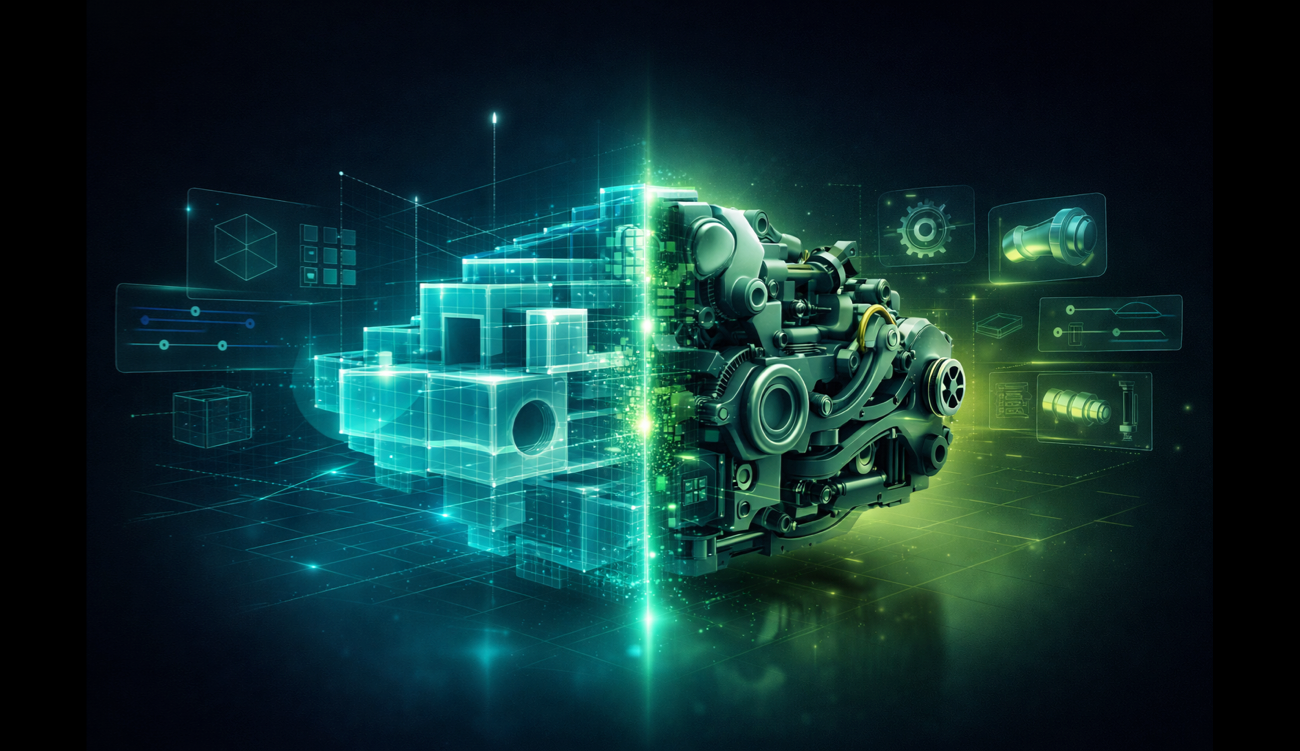
Parametric vs Direct Modeling for 3D Printing: Which Do You Need?
If you spend enough time in maker forums or 3D printing communities, you’ll see this debate come up again and again.
Someone asks for a CAD recommendation, and within minutes the replies split into two camps. One side says parametric modeling is the only serious way to design parts. The other says it’s unnecessary complexity for anyone who just wants to make and print something.
The real answer is more practical than that.
The parametric vs direct modeling question isn’t about which approach is more “serious.” It’s about which one helps you design printable parts faster, with less friction, and in a way that actually matches how you like to work.
What Parametric and Direct Modeling Actually Mean
Parametric modeling is based on a history of features, sketches, constraints, and dimensions. You define relationships between parts of the model, and when you change one value, the rest of the design updates accordingly. Tools like Fusion 360 and FreeCAD are built around this approach.
Direct modeling works directly on the geometry itself: faces, edges, and solid bodies. You push, pull, combine, cut, and reshape the model without depending on a feature tree or a chain of constraints. Tools like Plasticity and PixyCAD take this approach.
Both can produce clean, printable geometry.
So the real question isn’t whether one is valid and the other isn’t. It’s which workflow makes more sense for the kind of 3D printing projects you actually do.
Where Parametric Modeling Really Shines
Parametric CAD is genuinely useful in certain workflows.
It’s a strong fit when:
- you’re designing a family of parts with shared dimensions or proportions
- you expect repeated, structured revisions based on changing requirements
- you’re working in a team and need to preserve design intent clearly
- you need a more engineering-heavy workflow with documentation and tight relationships between features
In those situations, parametric tools are powerful for a reason. The extra structure pays off because the design is expected to evolve in controlled ways.
Why Many Makers Don’t Need Parametric CAD
That said, parametric power comes with tradeoffs.
The first is learning overhead. Before you can comfortably build parts in a traditional parametric CAD tool, you usually need to understand sketches, constraints, dimensions, feature order, and why one small edit can suddenly break something much later in the history tree.
That’s not a dealbreaker, but it’s real overhead.
The second tradeoff is mental overhead. Parametric tools ask you to think in terms of relationships and feature logic. For some workflows that’s exactly right. For many maker projects, it’s not how the problem naturally appears in your head.
If you’re designing a bracket, a mount, an adapter, a replacement part, or a small enclosure, you’re often not thinking, “I need a constrained sketch that drives downstream features.” You’re thinking, “This wall needs to be thicker,” or “That slot needs to move a little,” or “This edge should be chamfered.”
That’s a very direct way of thinking about shape, and it often matches direct modeling much better.
Direct Modeling for 3D Printing: Why It Often Feels Faster
For many 3D printing projects, direct modeling simply feels more natural.
You have a shape. You want to change it. You change it.
There’s no history tree to manage, no chain of dependencies to protect, and no need to step back into sketch logic every time you want to adjust a detail. That can make a real difference when you’re working in short, iterative loops.
And that’s exactly how a lot of 3D printing happens.
The first print is slightly off. A hole is too tight. A snap fit needs more clearance. A wall needs to be thicker. A tab needs to move by 2 mm. In that kind of workflow, direct modeling for 3D printing keeps the loop quick: open the model, make the change, export, print again.
That speed matters because it keeps momentum high.
Direct modeling is also especially useful when you’re working from imported geometry. If you bring in a STEP file from a manufacturer or from another CAD tool, making local edits is often much more straightforward in a direct modeling workflow than in a feature-history-based one.
The Honest Tradeoff
Direct modeling isn’t automatically better for every situation.
If you need to drive a complex design through a set of reusable parameters, or maintain strict relationships across many interdependent features, parametric modeling gives you more structure and more automation.
That’s the real strength of parametric CAD.
But for many maker workflows, that advantage doesn’t come up often enough to outweigh the additional complexity.
Choosing the Best CAD Approach for 3D Printing
A simple way to think about it is this:
Go parametric if your designs depend on structured relationships, formal revision workflows, or recurring dimensional changes across multiple related parts.
Go direct if you want to design and adjust printable parts quickly, work more visually, edit imported geometry easily, and spend less time managing the software itself.
For a lot of hobbyist and prosumer 3D printing projects, things like mounts, enclosures, replacement parts, props, simple tools, and one-off functional objects, direct modeling is often the more natural fit.
Not All Direct Modeling Tools Are the Same
If you choose a direct modeling workflow, the quality of the underlying geometry engine matters.
That affects boolean operations, edge quality, export reliability, and how well the final model behaves in your slicer.
PixyCAD is built on Parasolid, an industrial-grade solid modeling kernel used in professional CAD software. That gives you clean, precise solid geometry for real modeling work, not just quick concept shapes.
What makes PixyCAD different is that it brings that kind of geometry into a workflow designed to feel approachable for makers. It runs natively on iPad and Mac, supports Apple Pencil, and doesn’t force you into a cloud-first workflow just to design or edit a part.
So if you’ve been curious about CAD but felt put off by the overhead of more traditional parametric tools, PixyCAD is a very approachable place to start.
Try PixyCAD free and see how quickly you can go from idea to printable part.
Frequently Asked Questions
Is direct modeling good enough for serious 3D printing projects?
Yes. Direct modeling can produce the same kind of clean, watertight solid geometry needed for serious 3D printing work. The main difference isn’t print quality, but workflow. For many maker and prosumer projects, direct modeling is simply a faster and more intuitive way to iterate.
Can I switch between parametric and direct modeling?
Some CAD tools offer both approaches to some extent. For example, some parametric tools include direct-edit features for quick geometry changes. Dedicated direct modeling tools like PixyCAD focus on a history-free workflow by design, which many users find more fluid for day-to-day 3D printing work.
What is the best free CAD software for 3D printing beginners?
That depends on the workflow you want. FreeCAD is one of the best-known free parametric options, but it has a steeper learning curve. PixyCAD offers a free Starter tier and is designed to feel more approachable for makers who want a direct modeling workflow on iPad or Mac.
Does parametric modeling produce better STL files?
Not by itself. STL quality depends much more on the geometry and the export process than on whether the model was built parametrically or through direct edits. A clean solid model from a robust kernel will generally export better than a poorly built model in either workflow.
Want to try direct modeling for yourself? Download PixyCAD free and go from sketch to printable STL in minutes — no feature tree required.